Download Pinterest images online in high quality without a watermark. imagedownloder is a fast, secure, and easy-to-use Pinterest image downloader that helps you save Pinterest images directly to your device. No login, software installation, or technical knowledge is required. Works smoothly on mobile phones, tablets, iPhones, laptops, and desktop browsers.
Our website is designed to make Pinterest image downloading simple and accessible. Whether you want to save design inspiration, recipes, fashion ideas, artwork, or creative references, you can download images directly from Pinterest in original quality. Save clear images suitable for inspiration boards, creative work, and personal collections. If you need a fast web-based tool, use our Pinterest image downloader online for high-speed saves.
Pinterest is one of the world's largest visual discovery engines, serving as a hub for millions of creators, interior designers, and fashion enthusiasts. However, the platform does not offer a direct, native way to save high-resolution, uncompressed source files directly to your device. Often, when users try to save images directly, they are restricted to lower-resolution previews, forced to navigate constant registration prompts, or end up with watermarked files.
A specialized web utility like imagedownloder resolves these exact issues. By connecting directly to Pinterest APIs, it extracts the original, high-definition (HD) file parameters stored on their content distribution networks. This allows you to secure clean, unwatermarked visual references for mood boards, client presentations, or study archives quickly and completely free of charge.
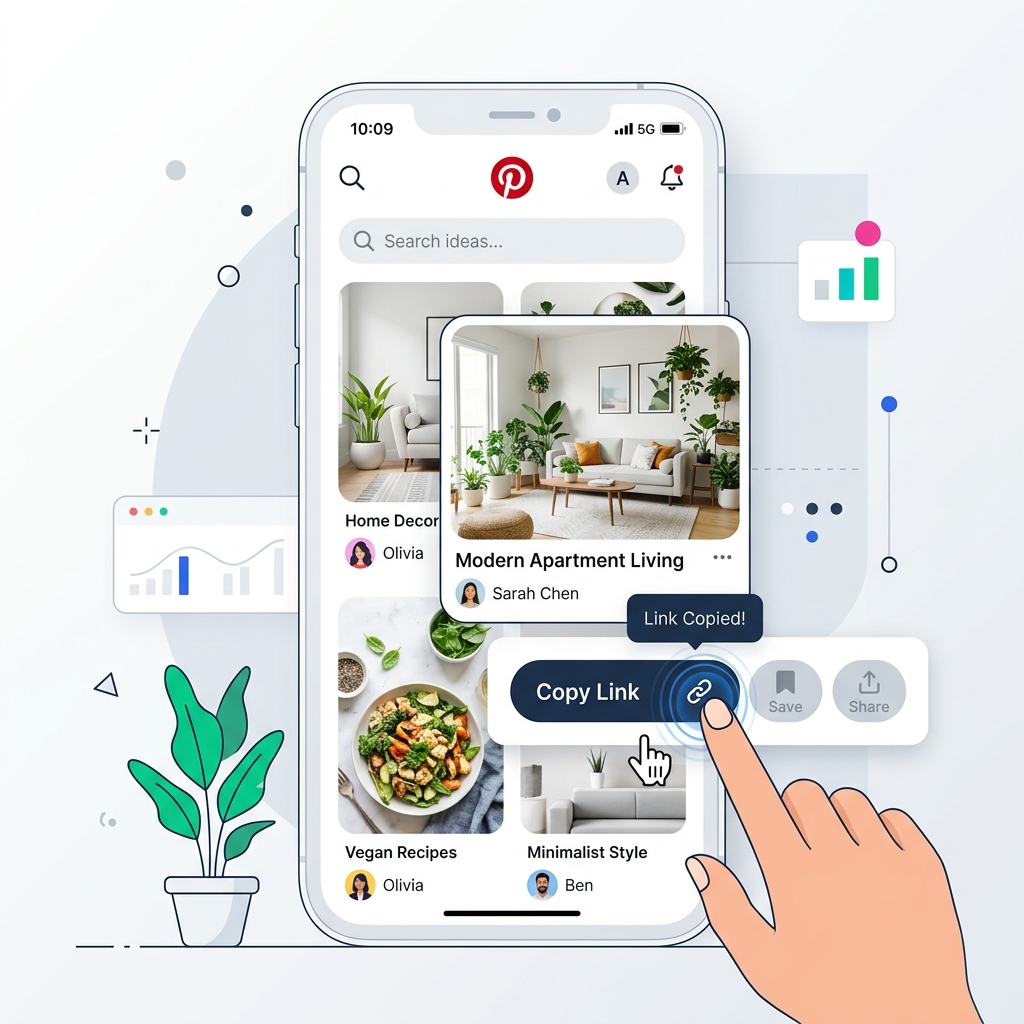
Open Pinterest, tap the share icon, and copy the link of your favorite pin.
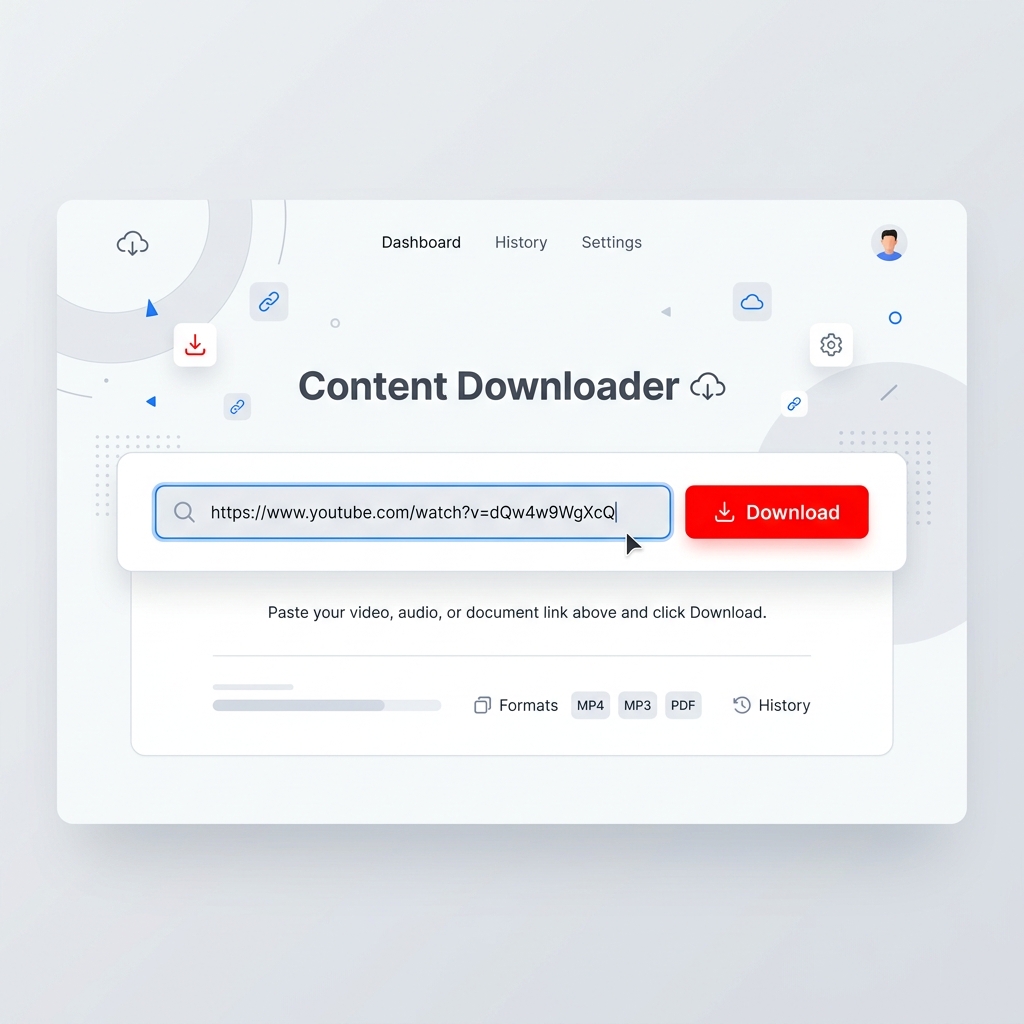
Paste the pin URL into the downloader box above and click "Download Images".
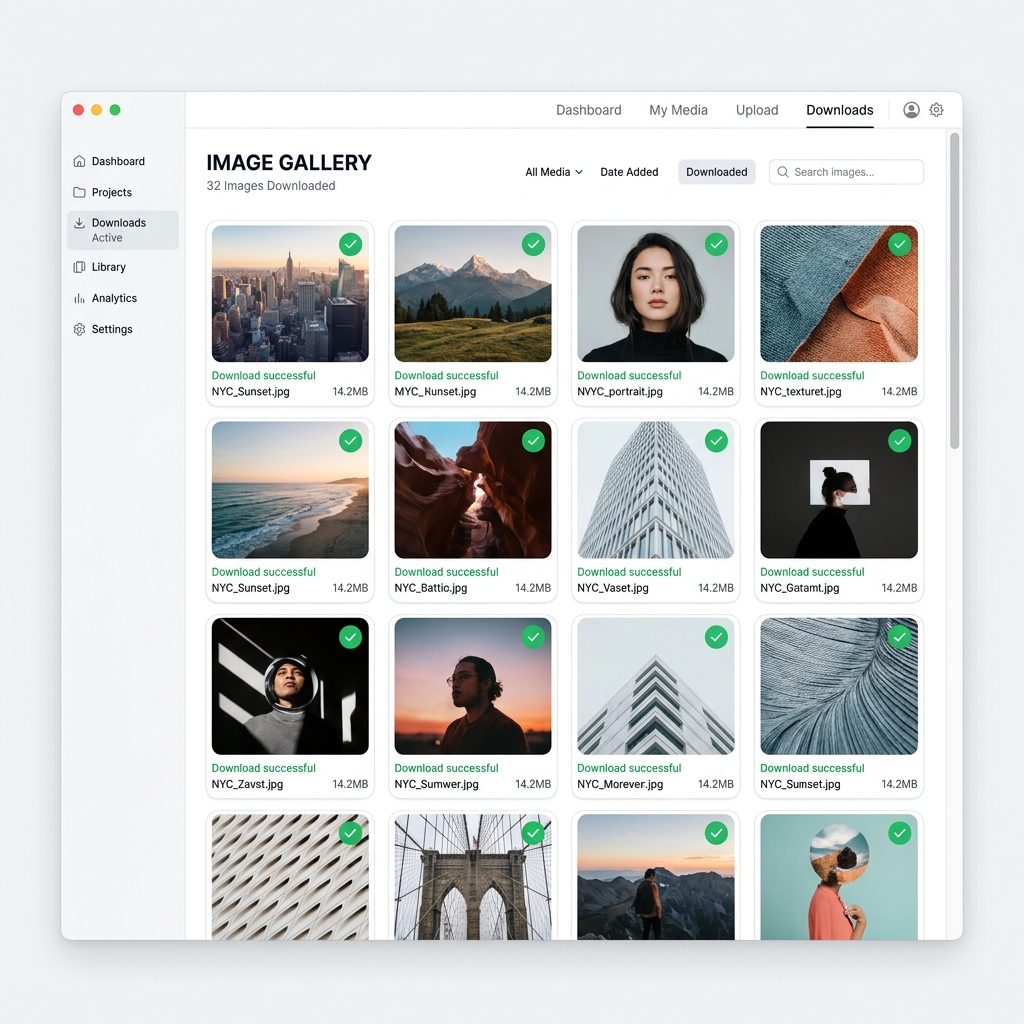
Select your preferred dimensions, preview the HD images, and save them directly.
Extract and save pins on Android and iPhone devices:
Extract pins directly on Windows, macOS, or Linux browsers:
The first step is to locate your image and copy its unique URL. This address links directly to Pinterest's backend database assets. Ensure you copy the complete link (such as `https://www.pinterest.com/pin/...` or shortened `https://pin.it/...` redirects) so the extraction engine can resolve the redirection and locate the original uncompressed visual assets.
After copying the URL, paste it into the search box at the top of imagedownloder.com. Click the "Download Images" button to activate the parser. Our system establishes a secure request to parse the page, scan structured JSON-LD data, filter out UI icons, and retrieve the original file link from the pin configuration.
Once the image link is parsed, a preview will be displayed below the form. You can verify the dimensions and file details. Click the individual download button to save the file in your preferred resolution. If the post contains multiple items, you can download them one by one or click the ZIP download button to compile all extracted images in a single compression archive.
imagedownloder supports a wide range of formats to help you download HD Pinterest images in original resolution.
To help you get the most out of our tool, we are preparing a step-by-step video guide. This tutorial will demonstrate how to copy links from different devices, paste them into the downloader, and save images in bulk.
We extract the original source image directly from Pinterest's servers, ensuring you receive the highest resolution available (including 1080p and UHD quality options) with zero compression loss. You can download Pinterest images by link in their original sizes.
You do not need to register, provide an email address, or log in to your Pinterest account to use our tool. The downloader works anonymously and instantly.
Our image downloader is entirely free. There are no hidden subscription fees, daily limits, or premium features locked behind paywalls. You can save as many images as you need.
The backend extraction process takes less than three seconds. Simply copy, paste, and download. The interface is optimized to minimize waiting times and maximize conversion.
Our web-based utility is fully compatible with all modern operating systems (Windows, macOS, Linux, Android, iOS) and web browsers (Chrome, Safari, Edge, Firefox, Brave, Opera).
Your privacy is our priority. We do not store downloaded images on our servers or track user data. The website utilizes SSL encryption to secure all connections.
Once downloaded, your visual references are stored directly on your computer or phone. This allows you to access your inspiration folders offline, without needing an active internet connection.
Save inspiration locally to organize mood boards. For large projects, you can download Pinterest images from board in bulk to save time. Organize templates for dΓ©cor, fashion lookbooks, DIY crafts, and recipes:
Visual content on Pinterest is dynamic and can be deleted, moved, or set to private by the creator at any time. Saving local copies ensures you always have a permanent backup of your visual research.
Pinterest images serve as the building blocks for professional design workflows. Local downloading accelerates production for:
Design moodboards, typography layouts, digital illustrations, and visual concept assets.
Track seasonal trends, coordinate lookbooks, and gather styling presentation ideas.
Organize recipe references, culinary plating designs, and table setting photography.
Create room layouts, match paint color schemes, and select decorative furnishings.
Plan lighting references, study photo composition, and collect pose guidelines.
Assemble high-quality components for video thumbnails, blog graphics, and visual branding.
Conduct fast project research, collect academic references, and organize client inspiration.
Read what our users say or Leave a Review
"The best tool for my moodboards! I am a graphic designer and the ability to download uncompressed PNGs straight from Pinterest without any hassle is a total game changer."
"Unbelievably quick. The site responds in seconds and zero weird signups. I've downloaded over 300 reference images this month easily. Simply the best downloader online."
"Finally a downloader that works on Safari for iOS! The other apps try to force a premium subscription, but this is totally free and the HD quality actually works."
Yes, imagedownloder is completely free. You can use all image extraction features without registration, subscription costs, or download caps.
Yes. It works on mobile Android devices as well as iPhones directly through standard mobile web browsers.
No. Our tool can only access and process publicly available Pinterest content. Secret boards and private pins are protected and cannot be downloaded.
No. Normal usage supports unlimited downloads. You can extract and save as many high-quality Pinterest images as you need. If you encounter any Pinterest Image Download Problems, please refer to our troubleshooting guide.
No. imagedownloder is a fully online web utility. You do not need to install any external apps, desktop software, or browser extensions.
Yes. Our tool is fully optimized for desktop browsers (Chrome, Safari, Edge, Firefox, Brave) on Windows, macOS, and Linux operating systems.
If you are looking for related Pinterest image download solutions, tutorials, and guidelines, click on our specialized tools and articles below: